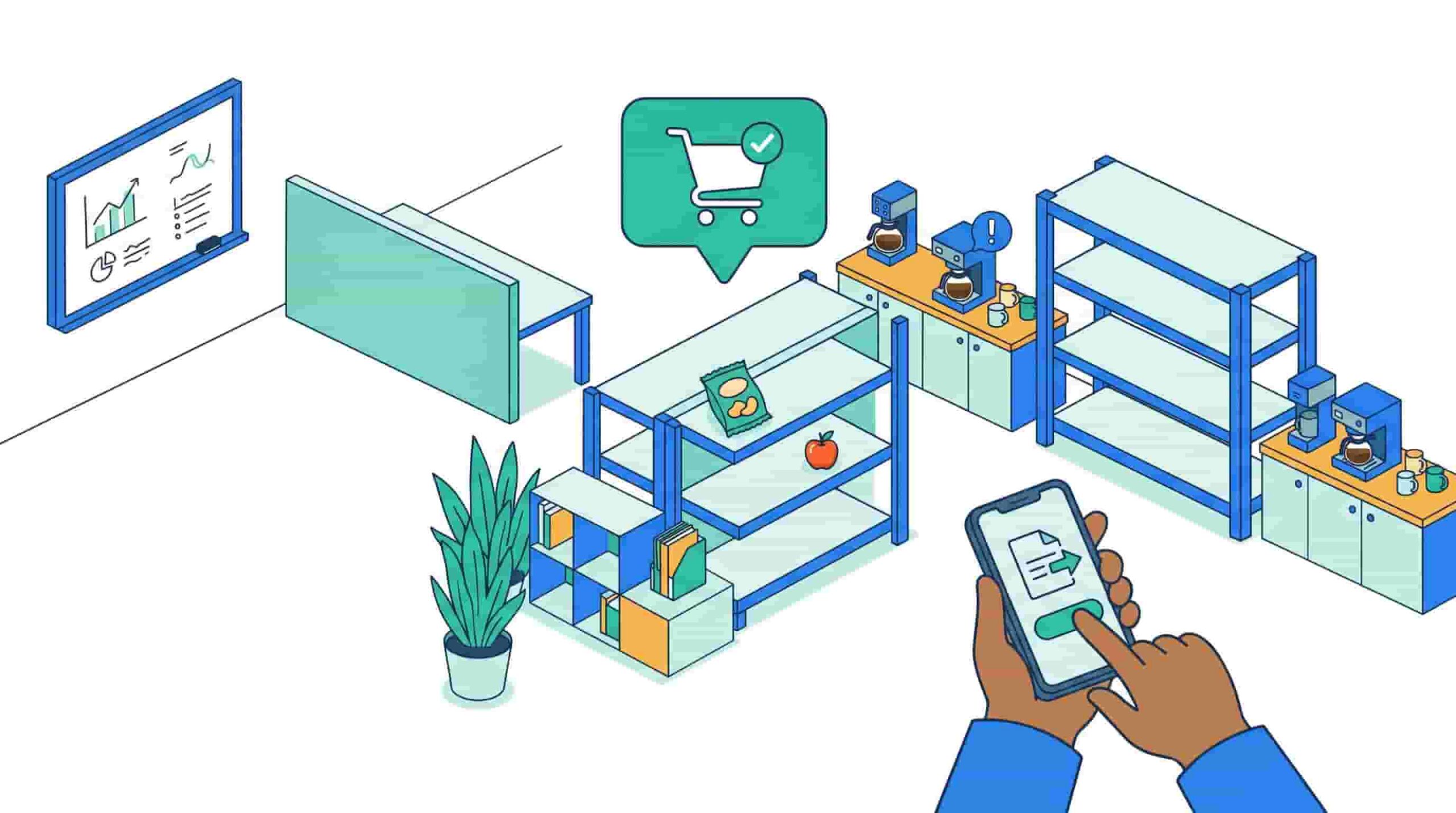
It’s 9:47 AM. The printer on the third floor has been “out of order” since Tuesday. The snack bar is down to two sad granola bars nobody wants. Someone just pinged IT about a broken monitor – in a group Slack channel. And facilities didn’t see it.
This is modern office life. And somewhere between the chaos and the coffee, someone has to hold it all together.
That someone used to be a stack of emails, a shared Google Sheet, and a lot of crossed fingers. But there’s a better way – and it lives right where your team already works.
What Is Task Management Software for Workplace Operations?
Task management software for workplace operations refers to tools that help organizations track, assign, and resolve internal work requests such as IT issues, facilities needs, and employee requests. In modern hybrid workplaces, these systems increasingly operate inside Slack and Microsoft Teams to improve speed and coordination.
Think of it as your internal operations layer – the system that catches every “hey, can someone fix this?” before it disappears into an inbox void.

The Problem with How Offices Handle Tasks Today
Most offices are running workplace operations on infrastructure built for a different era. Facilities requests go to email. IT tickets live in a separate portal nobody bookmarks. Snack refills get texted to someone who may or may not see it.
The result? Fragmentation. Delays. Frustrated employees who stop reporting issues because nothing ever seems to get fixed.
According to McKinsey, employees spend a significant portion of their workweek chasing information or waiting on internal support – time that should be spent on actual work.
Traditional internal help desk tools don’t help much either. Logging into a separate ticketing portal to report a broken chair feels like overkill. So employees don’t bother. And the chair stays broken for three weeks.
The core issue isn’t that people don’t care about operations – it’s that the tools create too much friction to use consistently.
Real Office Chaos, Translated into Tasks
Let’s make this concrete. Here’s what “workplace operations” actually looks like on the ground:
- 🖨️ Broken printer, floor 2 – reported via Slack DM to someone who’s on PTO
- 🍿 Empty snack station – mentioned in a team standup, immediately forgotten
- 🔌 Missing HDMI cable in Conference Room B – discovered 4 minutes before a client call
- 💻 New hire needs laptop access – IT finds out on the employee’s first day
- 🚪 Visitor badge request – sent to three different people via email, none of whom responded first
None of these are emergencies. But together, they’re the slow leak that drains workplace experience – and employee trust in the systems meant to support them.
What these situations need isn’t more email. They need a lightweight, fast, frictionless way to log a task, get it routed to the right person, and track it to resolution.
Why Slack Is the Real Operating Layer of Your Office
Here’s the thing about modern workplaces: Slack (or Teams) isn’t just a chat tool anymore. It’s where work actually happens. Decisions get made there. Projects live there. And – whether your ops team likes it or not – support requests start there too.
Microsoft’s Work Trend Index consistently shows that employees prefer communication tools that are already embedded in their workflow. Adding another tool to the stack is a hurdle – not a solution.
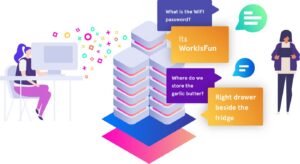
This is why Slack-native workplace operations make so much sense. Instead of asking employees to switch contexts and file a formal ticket in a portal they barely remember exists, you meet them where they already are.
A quick Slack message becomes a tracked task. The right person gets notified. The request doesn’t fall through the cracks. That’s the future of workplace coordination tools.
How OfficeAmp Fits In
OfficeAmp is built for exactly this reality. It’s a Slack-native task management and internal help desk platform that turns the chaos of workplace operations into something clean, trackable, and – dare we say – actually pleasant.
Everything becomes a task:
| Request Type | Example |
| IT support | “My laptop won’t connect to WiFi” |
| Facilities | “The AC in the east wing is broken” |
| Supplies | “We’re out of coffee pods again” |
| Visitor coordination | “Guest arriving Monday, needs badge” |
| Employee onboarding | “New hire needs desk + equipment setup” |
Employees submit requests without leaving Slack. Ops teams see everything in one place, with assignments, statuses, and priorities – no email threads, no spreadsheet archaeology, no “I thought you were handling it.”
For hybrid teams especially, this matters. When half your workforce is remote and the other half is rotating through the office, you can’t afford coordination gaps. OfficeAmp acts as the connective tissue that keeps hybrid workplace management running smoothly – regardless of where anyone is sitting.
Legacy Tools vs. Slack-Native Operations
| Legacy Setup | OfficeAmp |
| Separate IT portal | Slack-native ticketing |
| Email chains for facilities | Tracked tasks with assignments |
| Spreadsheet for requests | Real-time dashboard |
| Employees forget to report | Reporting is frictionless |
| Visibility gaps | Full ops transparency |
The difference isn’t just efficiency – it’s experience. When employees see that requests get handled fast, they engage with the system. That loop of trust is what separates workplaces that feel well-run from ones that feel chaotic.
The Takeaway
Modern workplaces are fast, distributed, and Slack-first. Your internal operations layer should be too.
Task management software isn’t just for project managers. It’s for the office manager trying to track 12 open facilities requests. It’s for the IT team buried in DMs. It’s for the employee who just wants to know: is anyone fixing the printer?
If your workplace operations are currently held together by email threads and goodwill, it might be time for a better system – one that lives where your team already works.
See how OfficeAmp turns Slack into your workplace operations hub →
Frequently Asked Questions
Q: What is task management software for workplace operations?
Task management software for workplace operations helps companies track, assign, and resolve internal requests – including IT issues, facilities problems, and employee support needs – from a single coordinated system rather than scattered emails or portals.
Q: What is a Slack ticketing system?
A Slack ticketing system lets employees submit support requests directly inside Slack. Those requests get automatically converted into tracked tickets and routed to the right team – without anyone needing to log into a separate helpdesk tool.
Q: What is an internal help desk?
An internal help desk is a system that manages employee-facing support requests within a company, covering areas like IT, HR, facilities, and office operations. Modern internal help desks are increasingly built into tools like Slack for faster response times.
Q: Why do traditional workplace ops tools fail?
They require employees to switch platforms, remember login credentials, and follow multi-step processes to file simple requests. That friction leads to low adoption – and tasks that go unreported or unresolved.
Q: How does OfficeAmp help with hybrid workplace management?
OfficeAmp centralizes all workplace requests inside Slack, giving operations teams full visibility across locations. Remote and in-office employees submit requests the same way, and teams can prioritize, assign, and close tasks from one unified view.