They’ve accepted the offer. They’ve done the paperwork. They’ve told their friends they’re excited about the new role. They show up on day one, slightly nervous, fully enthusiastic — and their laptop is locked, their email isn’t set up, and the one person who knows the Wi-Fi password is working from home today.
Only 12% of employees say their company does onboarding well. The other 88% experience what most IT teams quietly dread: a first day that goes sideways before 9:30am because the employee onboarding IT process wasn’t ready. Here’s exactly what that looks like — in painful, recognizable detail.
What should IT prepare before a new hire’s first day?
A complete employee onboarding IT checklist covers laptop provisioning, email and Slack setup, software access and licenses, VPN credentials, internal tool permissions, and any role-specific system access — all confirmed before the hire’s start date. When the IT onboarding process runs through a structured request system rather than informal DMs, nothing gets missed and the new hire can actually work on day one.
1. Their Laptop Is Ready. Their Laptop Is Not Ready.
The laptop arrived. It’s sitting on the desk. It looks great. The new hire opens it, and it’s running a factory setup from three months ago with the wrong operating system image, no company software, and a login screen asking for credentials nobody has sent them yet.
This happens because new hire IT setup requests get submitted late, land in the wrong place, or get lost between the hiring manager, HR, and IT. When the IT onboarding process lives in someone’s inbox rather than a tracked request system, “I thought you had it” is the most common sentence of the morning.
The new hire spends the first two hours of their first day watching IT work on their laptop while making polite conversation with whoever sits nearby. It is not the impression anyone intended to make.
2. They Have Email. The Email Doesn’t Have Anything.
Email is live. Technically. But the distribution lists, the shared inboxes, the team aliases, the calendar invites for recurring meetings — none of it is there. Nobody added them to the Slack channels they need. Their manager forgot to loop them into the project board.
This isn’t an IT failure specifically — it’s what happens when new employee IT access is treated as a single task (“set up the email”) rather than a sequence of access steps that follow logically from the role. A proper IT onboarding checklist covers not just the account, but what the account needs to connect to.
The new hire spends the morning in a pristine, empty inbox, unsure whether something has gone wrong or whether this is just how it works here. It has not built confidence.
3. Software Access Is a Scavenger Hunt
The design tool needs a license request. The project management platform needs an admin to add them. The customer data system needs a specific permission level that requires a separate approval. The password manager requires an invitation from someone who is currently in a three-hour meeting.
Every onboarding IT request that wasn’t submitted in advance becomes a real-time chase on day one. The new hire gets partial access to seven tools, full access to two, and learns that the most important system requires a form they’ll need to submit to a person they haven’t met yet.
66% of employees at small companies report feeling undertrained after onboarding — significantly higher than the overall average. A big part of that isn’t training — it’s that they couldn’t access the tools long enough to learn them in the first place.
4. The “Buddy” Becomes Unofficial IT Support
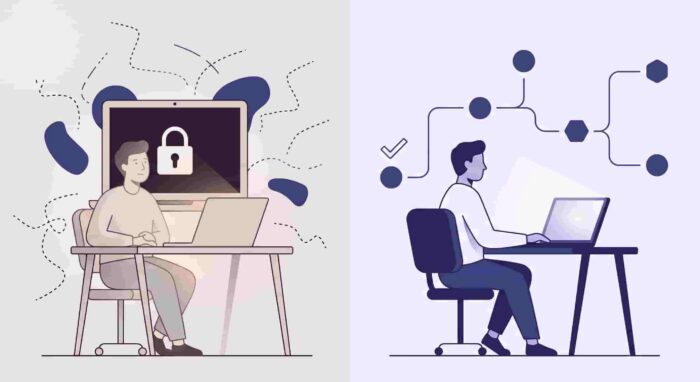
The company assigned them a buddy. The buddy is a lovely person who has their own job to do. By 11am, the buddy has spent 45 minutes walking the new hire through workarounds for tools they don’t have access to, resetting a password on their behalf, and personally Slacking IT on three separate issues because the new hire doesn’t know where else to turn.
This is the hidden cost of a broken employee onboarding process that nobody talks about. It’s not just the new hire who loses a productive first day — it’s everyone around them who gets pulled into the gap that a proper IT onboarding process would have filled. Organizations with structured onboarding see a 50% increase in productivity among new hires. The inverse is also true: unstructured onboarding drags down the people who are already productive.
5. The First IT Ticket They Submit Goes Nowhere
By early afternoon, someone has told the new hire that IT has a helpdesk. They submit a ticket for the two access issues still outstanding. Nothing happens. An hour later, they submit it again, slightly differently, in a different channel. That one also disappears.
The issue isn’t that IT is ignoring them — it’s that the onboarding IT requests are landing in a system that doesn’t have clear ownership, priority, or visibility for new hire tickets specifically. The IT team is triaging a full queue and a first-day access issue looks identical to a low-priority general request.
A proper onboarding helpdesk flags new hire tickets automatically, routes them to the right person, and follows up without the employee having to chase. What the new hire experiences instead is the quiet suspicion that nobody is going to help them unless they make more noise.
6. By 4pm, They’re Already Recalibrating Their Expectations
Nobody said anything went wrong. The manager checked in, said “hope it’s going okay,” and moved on. The new hire said “yes, getting settled in” and meant “I spent most of today waiting for access to things and I’m not sure this is as organized as it seemed in the interview.”
20% of employees quit within the first 45 days of employment, often due to a negative onboarding experience. The first day is rarely the reason someone quits — but it’s where the first impression of how the company actually operates gets formed. And an employee onboarding IT failure on day one communicates something specific: we didn’t prepare for you.
That’s a hard impression to undo.
What Good Employee Onboarding IT Actually Looks Like
The fix isn’t complicated. It’s mostly about timing and structure.
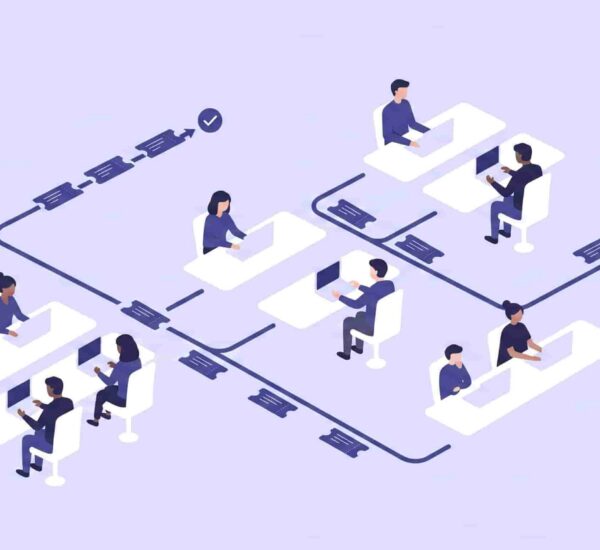
A complete new hire setup checklist gets triggered the moment an offer is accepted — not the week before the start date, not the morning of. Every item has an owner, a deadline, and a status that IT can see without asking anyone. Laptop provisioning, email setup, Slack onboarding, software licenses, VPN access, and role-specific system permissions all get treated as sub-requests within a single onboarding IT request, not separate tasks floating in different inboxes.
When the IT onboarding process runs through a structured system, the new hire’s first day looks like this: they open a laptop that works, they’re already in the channels they need, their software is waiting for them, and the only ticket they submit is because they want a second monitor. That is a very different first impression.
How OfficeAmp Helps Employee Onboarding IT
OfficeAmp handles the employee onboarding IT process the way it should work — as a structured, trackable sequence inside Slack and Microsoft Teams, not a set of ad hoc requests hoping to land in the right place.
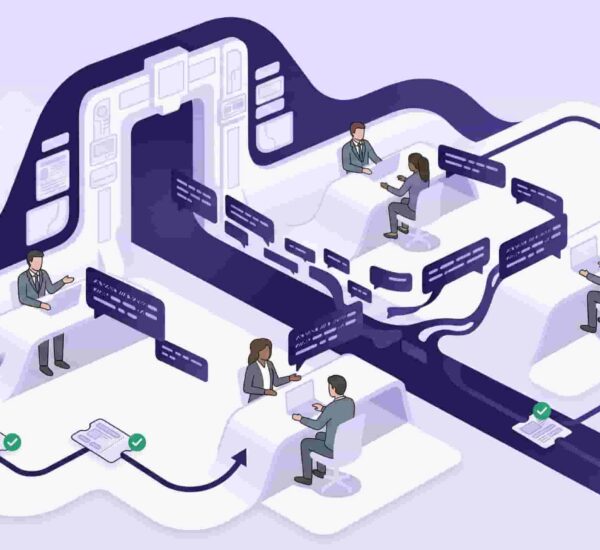
When a new hire is confirmed, the onboarding IT requests get submitted as a single workflow through OfficeAmp’s issue management system — each sub-request routed automatically to the right person, tracked through to completion, and visible to anyone who needs to know the status. No DMs, no “I thought you had it,” no new hire sitting in front of a locked laptop.
Because OfficeAmp lives natively inside Slack, the IT onboarding requests come in where IT already works — not through a separate portal someone has to remember to check. And when the same onboarding questions come up every time (“how do I connect to the VPN?”, “where do I submit a software request?”), the Smart QnA feature on the Pro plan answers them automatically so IT isn’t fielding the same questions for every new hire.
For more on how growing teams are handling internal IT support inside Slack, the Slack ticketing system guide covers the full picture. And if you’re comparing options, see OfficeAmp’s full pricing — Standard starts at $1/user/month with a 14-day free trial, no credit card required.
Frequently Asked Questions
What should IT prepare before a new hire’s first day?
A complete employee onboarding IT checklist should include laptop provisioning with the correct software image, email and calendar setup, Slack or Teams access and channel invitations, software licenses and permissions for role-specific tools, VPN credentials, and any system access that requires advance approval. All items should be submitted as tracked IT onboarding requests well before the start date — not on the morning of.
What is the IT onboarding process for new employees?
The IT onboarding process covers every technical setup task a new employee needs to be productive from day one. It typically starts when an offer is accepted and includes hardware provisioning, account creation, software access, and internal tool permissions. In a structured system, these are submitted as onboarding IT requests with clear owners and deadlines — rather than informal messages that may or may not get picked up in time.
How do companies manage new hire IT setup requests?
Growing companies manage new hire IT setup most effectively through a structured internal helpdesk or IT request system — ideally one that lives inside the tools the team already uses, like Slack or Microsoft Teams. This gives every onboarding IT request a status, an owner, and a completion record, so nothing falls through the cracks between HR, IT, and the hiring manager.
Why do new hire IT requests get missed?
New employee IT access requests get missed most often because they’re submitted informally — via email, Slack DM, or verbal request — without a structured tracking system. When there’s no single place for onboarding IT requests to land, ownership is unclear and items get dropped between the people responsible. A proper IT onboarding checklist with a tracked request system prevents this by making every item visible and assigned.
How does OfficeAmp help with employee onboarding IT?
OfficeAmp handles employee onboarding IT by letting IT teams create and track new hire setup requests as structured workflows inside Slack and Microsoft Teams. Each onboarding request is auto-routed to the right person, tracked through to completion, and visible to anyone who needs a status update — without anyone having to chase via DM or email. It removes the coordination gap that causes most first-day IT failures.
The new hire will forgive a lot. They understand that first days are imperfect, that companies are busy, that things sometimes go wrong. What’s harder to shake is the feeling that nobody was expecting them.
A complete employee onboarding IT process — tracked, structured, triggered the moment an offer is accepted — is one of the easiest ways to make sure that feeling never lands. It’s not a big system overhaul. It’s just making sure the laptop works.
Start your 14-day free trial — no credit card required.