
If you’re searching for a “ServiceNow alternative for small business” or “ServiceNow alternatives that don’t require a six-month implementation,” you’re not alone. Most growing companies reach this same realization. And the good news is you have real options.
What is a ServiceNow alternative for small business?
A ServiceNow alternative for small business is a helpdesk or IT operations tool that handles employee requests, IT tickets, and internal workflows without ServiceNow’s enterprise pricing, multi-month implementation timelines, or dedicated admin requirements. For teams of 20–200 people, tools like OfficeAmp work natively inside Slack and Microsoft Teams — so employees submit requests where they already work, with no separate portal or new login required.
You sit through the ServiceNow demo. It’s impressive — genuinely. The workflow automation is deep, the CMDB integration is thorough, and the presenter clearly knows the platform inside out. Then the quote arrives. You’re a 75-person company with two people handling IT, and the contract is built for an organization ten times your size. You realize within about ten minutes that this platform wasn’t designed for you.
What ServiceNow Is Actually Built For
Let’s give credit where it’s due. ServiceNow is one of the most capable enterprise IT platforms on the market — and for the right organization, it earns every dollar.
It was designed for large enterprises running formal ITIL workflows at scale: change management with structured approval boards, a configuration management database (CMDB) that maps your entire IT estate, incident and problem management across thousands of tickets per month, complex SLA reporting, and cross-functional service delivery spanning IT, HR, legal, and facilities under one roof. G2 reviewers across over 1,800 reviews consistently praise its workflow automation and centralized management capabilities — particularly for organizations that need to manage the full lifecycle of IT service delivery at scale. As one G2 reviewer put it: “It unifies incidents, requests, changes, assets, and workflows on one intelligent platform.”
If you’re running a global IT operation with a dedicated platform admin team and mature ITIL processes, ServiceNow is a serious tool that deserves serious consideration.
The problem isn’t the product. The problem is the fit.

Why ServiceNow Doesn’t Fit Teams Under 200
When people search for tools like ServiceNow, they usually want the operational capabilities — structured ticketing, routing, tracking, and resolution — without the enterprise overhead that comes with it. Here’s where that overhead shows up in practice.
Pricing that requires a custom enterprise conversation.
ServiceNow does not publish pricing publicly. Every contract is negotiated through a sales process, and costs vary significantly based on modules, number of users, implementation scope, and contract length. According to G2 reviewers, “pricing for smaller teams is often less flexible and relatively expensive compared to larger organizations.” Industry analysts note that implementation fees alone can run three to five times the first-year license cost — meaning the sticker price is often a fraction of what you’ll actually spend in year one. For a growing company, that math is hard to justify.
Implementation timelines are measured in months, not days.
A typical ServiceNow deployment requires certified implementation partners, structured data migration, workflow configuration, training, and go-live support. As one G2 reviewer observed directly: “Many companies struggle with long implementations, over-customization, and reliance on consultants.” For a lean ops team trying to get IT requests under control this quarter, that kind of timeline is a dealbreaker before the conversation even begins.
Employees won’t use a separate portal.
This is the quiet problem that nobody mentions during the demo. ServiceNow’s self-service portal is well-designed — for people who are willing to log into it. At a 50-person company, most employees will not open a separate ITSM portal to submit a request. They’ll message the IT person in Slack. And then your ServiceNow instance will sit underutilized while the actual IT workflow still runs through DMs and email. The tool is technically in place; the process has not changed.
Ongoing maintenance needs a dedicated owner.
ServiceNow is not a set-it-and-forget-it platform. It requires continuous configuration — workflow updates, permission changes, catalog maintenance, and module upgrades. G2 reviewers of ServiceNow’s ITOM module specifically note “astronomical licensing costs and extreme complexity of implementation, which typically requires highly specialized and expensive expertise to deploy and maintain.” At a 100-person company, the person who owns this is also onboarding new hires and managing vendor contracts.
What to Look For in an Alternative to ServiceNow
If ServiceNow is overkill for where you are right now, here’s what actually matters when evaluating an alternative to ServiceNow for a lean team.
Deployment speed is non-negotiable. If a tool takes more than a week to configure and launch, it’s already borrowing against the productivity it was supposed to create. Look for something your team can be using in days — not something that requires a certified partner and a project plan.
Employees have to submit tickets where they already work. Any system that requires a behavior change — a new login, a separate portal, a different app — will have an adoption problem. For most growing companies, that means the tool needs to live inside Slack or Microsoft Teams. If it doesn’t, half your requests will still come through DMs anyway.
Pricing should be transparent and predictable. Per-module pricing, separate add-on costs, and annual true-ups create budget surprises at renewal. For a team under 200, you want to know what you’re paying before you sign.
A non-IT person should be able to administer it. At a growing company, nobody has time to get platform-certified. The right tool should be configurable by someone who understands the business, not someone with a specialization.
It should grow with you without requiring a consultant every time something changes. The goal is a system that works today and still works when you’re at 200 people — without a re-implementation.
How OfficeAmp Fits That Criteria
This is where the ServiceNow free alternative conversation gets practical. OfficeAmp offers a free trial — so you can test it inside your actual Slack workspace before committing, which is the opposite of ServiceNow’s enterprise sales process.
But the more important difference is philosophy. ServiceNow is built around a dedicated portal that employees navigate to when they need IT support. OfficeAmp is built around where your team already works — Slack and Microsoft Teams — so submitting an IT request feels exactly like sending a message, because it is.
ServiceNow optimizes for enterprise IT control — deep configuration, granular permissions, ITIL compliance. OfficeAmp optimizes for speed of resolution and employee experience — the ticket gets created, auto-routed to the right owner, tracked through to resolution, and the employee gets updated without anyone logging into a separate system.
ServiceNow assumes you already have mature ITIL processes and a team to run them. OfficeAmp helps you build lightweight processes as you grow — starting with getting requests into a consistent channel, then routing them correctly, then building a knowledge base that deflects repeat questions before they become tickets.
For teams managing IT alongside facilities requests, visitor coordination, and general workplace support, OfficeAmp handles all of it from the same Slack-native helpdesk — without the module-by-module pricing that makes enterprise platforms expensive as you scale. For a broader comparison of internal help desk software options at this company size, it’s worth understanding what capabilities actually matter before you evaluate tools.
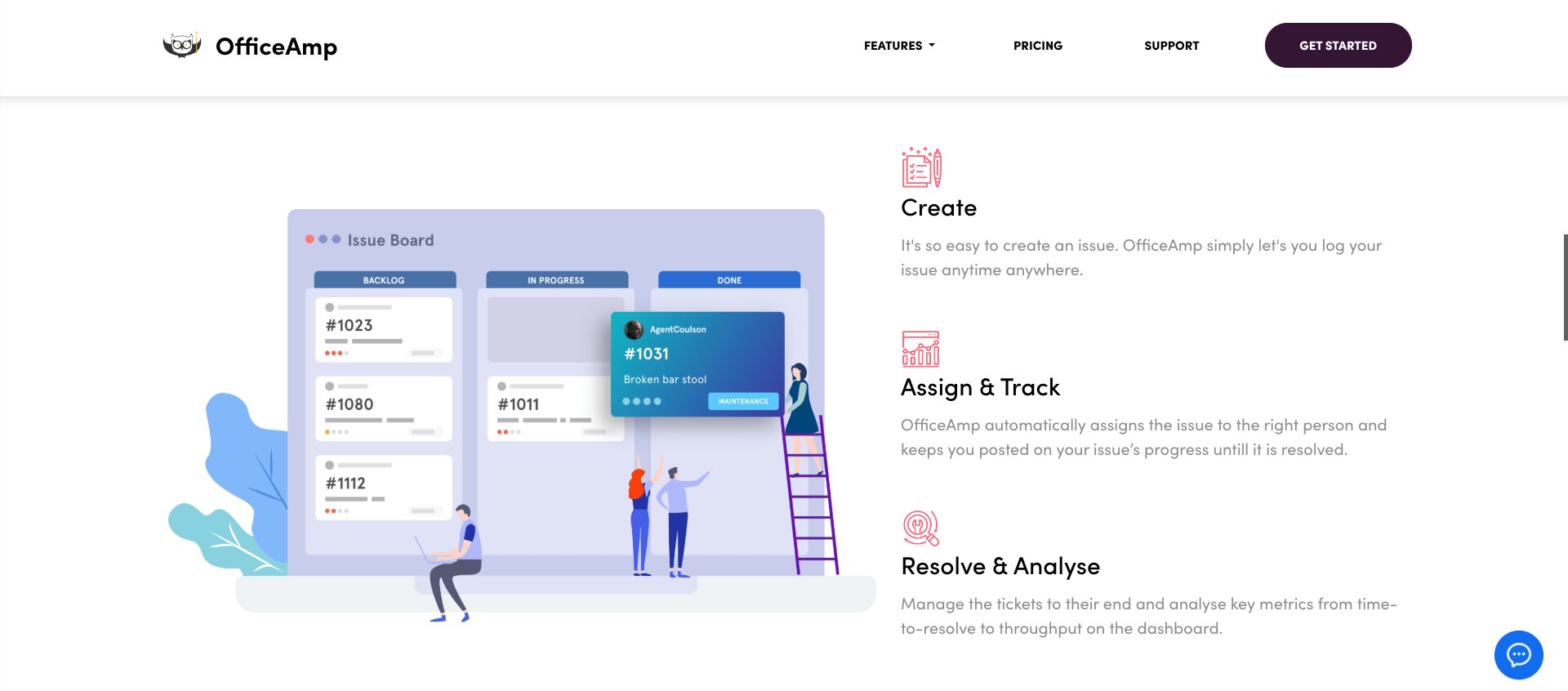
How They Compare: Tools Similar to ServiceNow vs Purpose-Built for Small Teams
ServiceNow and OfficeAmp are both IT operations platforms — but they’re built for fundamentally different operational realities. The table below reflects that honestly.
| Factor | ServiceNow | OfficeAmp |
|---|---|---|
| Typical setup time | Months — requires certified implementation partners | Same day — connects to Slack or Teams in minutes |
| Pricing model | Custom enterprise quotes only — no public pricing | Transparent per-user pricing; free trial available |
| Where employees submit tickets | Dedicated self-service portal | Directly inside Slack or Microsoft Teams |
| Best for (team size) | 500+ employees, dedicated IT and platform admin team | 20–200 employees, lean IT |
| ITIL / enterprise features | Full ITIL — CMDB, change management, SLA reporting, asset management | Not the focus — lightweight workflows built for speed |
| Slack / Teams native | Integration available via connectors; not native | Purpose-built for Slack and Microsoft Teams workflows |
| Admin overhead | High — requires a dedicated certified admin | Low — configurable by a non-technical ops person |
| Free trial available | No — custom enterprise sales process only | Yes |
Other ServiceNow Alternatives Worth Knowing
If you’re evaluating ServiceNow competitors, a few other tools come up regularly in this space — and they’re worth understanding before you decide.
Freshservice is one of the most popular ServiceNow alternatives for mid-market teams. It’s a cloud-based ITSM platform with modular pricing, asset management, and generally faster deployment than traditional enterprise ITSM platforms. It’s a strong fit for teams that want more ITIL structure than OfficeAmp provides but can’t justify ServiceNow’s contract complexity. It operates through a separate web portal rather than living inside Slack or Teams.
Jira Service Management (JSM) from Atlassian is another widely evaluated alternative to ServiceNow, particularly for teams already in the Atlassian ecosystem. It offers solid ITIL features — change management, SLA reporting, and a lightweight CMDB — at a lower price point than ServiceNow. Setup is more involved than most people expect, and the adoption challenge of getting employees to use a separate portal applies here too. We’ve written a full Jira Service Management vs OfficeAmp comparison if you want a deeper breakdown.
Zendesk is primarily a customer-facing support platform that many companies adapt for internal IT use. It’s mature, well-documented, and has a large integration ecosystem. For internal helpdesk purposes at a growing company, it can feel overbuilt in different ways than ServiceNow — more suited to external support volumes than internal ops workflows.
For teams whose employees work primarily in Slack or Teams, OfficeAmp is purpose-built around those workflows, which is what most tools similar to ServiceNow don’t directly address.

Frequently Asked Questions About ServiceNow Alternatives
What is the best ServiceNow alternative for small businesses?
The best ServiceNow alternative for a small business depends on team size and where employees work. For teams of 20–200 people using Slack or Microsoft Teams, OfficeAmp is purpose-built for this environment — employees submit IT requests, facilities tickets, and internal queries directly inside Slack or Teams, with no separate portal. For teams that want more ITIL structure, Freshservice or Jira Service Management are also commonly evaluated ServiceNow alternatives.
Is there a free alternative to ServiceNow?
Yes. OfficeAmp offers a free trial, making it a practical ServiceNow free alternative for small teams who want to test a Slack-native helpdesk before committing. Unlike ServiceNow, which requires a custom enterprise sales process before any access is granted, OfficeAmp connects to your Slack workspace and is operational on the same day.
What are the most popular ServiceNow competitors?
The most commonly evaluated ServiceNow competitors include Freshservice, Jira Service Management, Zendesk, and OfficeAmp. Freshservice and Jira Service Management offer more ITSM structure at lower price points than ServiceNow. Zendesk is stronger for customer-facing support. OfficeAmp is purpose-built around Slack and Microsoft Teams workflows, making it a strong option for organizations that want support requests handled where employees already work.
Is there an open source alternative to ServiceNow?
Yes. If you’re looking for a ServiceNow open source alternative, tools like GLPI and osTicket are self-hosted, open-source helpdesk platforms with no licensing cost. They require technical setup and ongoing maintenance but give you full control over your instance. For teams that want something operational without a self-hosting burden, OfficeAmp’s free trial is a faster path to a working internal helpdesk.
What tools are similar to ServiceNow but easier to set up?
Several tools similar to ServiceNow offer significantly faster deployment. Freshservice generally deploys faster than traditional enterprise ITSM platforms. Jira Service Management is faster than ServiceNow but still requires meaningful configuration time. OfficeAmp is among the fastest of the commonly evaluated options — it connects to Slack or Teams in minutes, and most teams are receiving and routing real tickets the same day they install it. No implementation partner or certified admin required.
Can OfficeAmp replace ServiceNow?
Not for every team. OfficeAmp doesn’t replicate ServiceNow’s CMDB, change management workflows, enterprise SLA reporting, or ITIL compliance capabilities. For large IT organizations that need those features, ServiceNow remains the right platform. OfficeAmp is the right call for teams of 20–200 people who need IT requests, facilities tickets, and internal support handled efficiently inside Slack or Teams — without enterprise overhead.
ServiceNow is an excellent product. For a large organization with a dedicated IT department and a platform admin team, it may well be exactly the right answer. The question for a growing company isn’t whether ServiceNow is good — it’s whether it’s right-sized for where you are right now.
Most teams under 200 don’t need CMDB, change advisory boards, or a certified admin to keep the platform running. They need employees to stop messaging IT requests to one person, and they need those requests to get resolved without falling through the cracks. That’s a solvable problem — and it doesn’t require a multi-month implementation to solve it.
See how OfficeAmp works inside your Slack workspace — and start a free trial today.